Fri Oct 07, 2005 10:29 am
Hyperion wrote:Jax wrote:ok ok ok now how did you get your start menu to have like cursive writing and stuff!!
I use a program called WindowBlinds. The skin I'm using is called Jarilo.
oh ok i downloaded it but how do u download the things from wincustomise? and put them on?
Fri Oct 07, 2005 12:12 pm
Hey ;D


Fri Oct 07, 2005 7:01 pm
Yay for a new one. The picture came out really grainy though 
http://img.photobucket.com/albums/v281/ ... mlhsbg.gif
http://img.photobucket.com/albums/v281/ ... mlhsbg.gif

Fri Oct 07, 2005 8:23 pm

Fri Oct 07, 2005 9:02 pm
Robert wrote:Yay for a new one. The picture came out really grainy though
http://img.photobucket.com/albums/v281/ ... mlhsbg.gif
awesome! i love the simpsons *laughs*
Fri Oct 07, 2005 9:26 pm
Jax wrote:Hyperion wrote:Jax wrote:ok ok ok now how did you get your start menu to have like cursive writing and stuff!!
I use a program called WindowBlinds. The skin I'm using is called Jarilo.
oh ok i downloaded it but how do u download the things from wincustomise? and put them on?
The skins are easy enough; click on the "WindowBlinds" option on the left pane at the wincustomize site. You can browse for skins or search for one by using the search feature near the top of the page. Next, you click the "Download" button. When you click on the file you downloaded, the skin should auto-install. When it does that, right-click on your desktop, click "Properties", select the "Appearance" tab, choose the skin you want to use, then apply. Or you can right-click on the WindowBlinds icon on the right hand side of the taskbar, select "Customize WindowBlinds", select the skin you want to apply, then click "Apply this skin now".
Sat Oct 08, 2005 1:15 am
ohh ok awesome it worked thanx! 
Sat Oct 08, 2005 1:40 pm

Might get it changed for the upcoming season, but I still think it kinda fits either way, had this one for a while
Sun Oct 09, 2005 4:26 am
http://img.photobucket.com/albums/v243/ ... erwall.jpg
My desktop, currently. Photobucket shrunk it, of course. XD
Guess which character I'm a fan of? ^^"
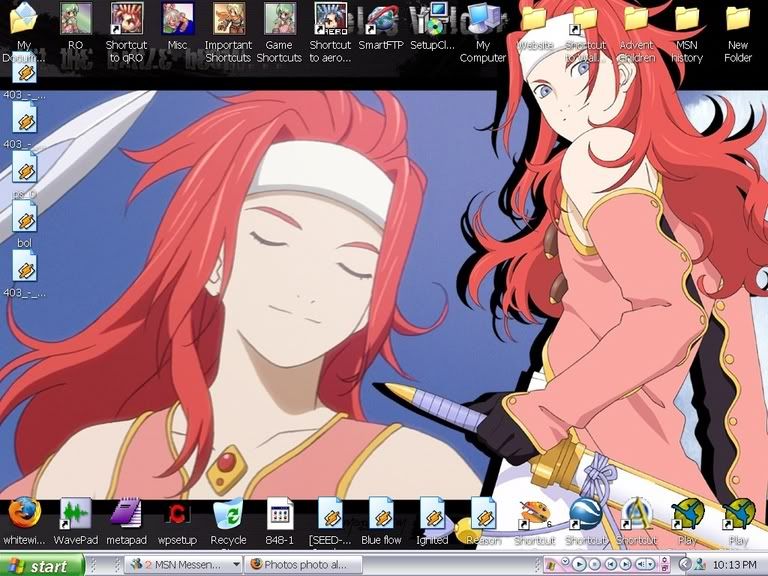
My desktop, currently. Photobucket shrunk it, of course. XD
Guess which character I'm a fan of? ^^"
Sun Oct 09, 2005 5:23 pm
Sun Oct 09, 2005 6:53 pm

Mon Oct 10, 2005 6:33 am
I'd believe you. XD My brother has a Mac skin on his desktop too. ^^"
Mon Oct 10, 2005 7:36 am
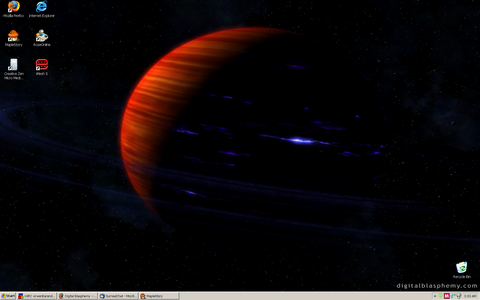
Image massively shrunk down. Cause my screen is 1900x1200.
I blame it on my 17" laptop screen.
Mon Oct 10, 2005 10:13 am
